
01
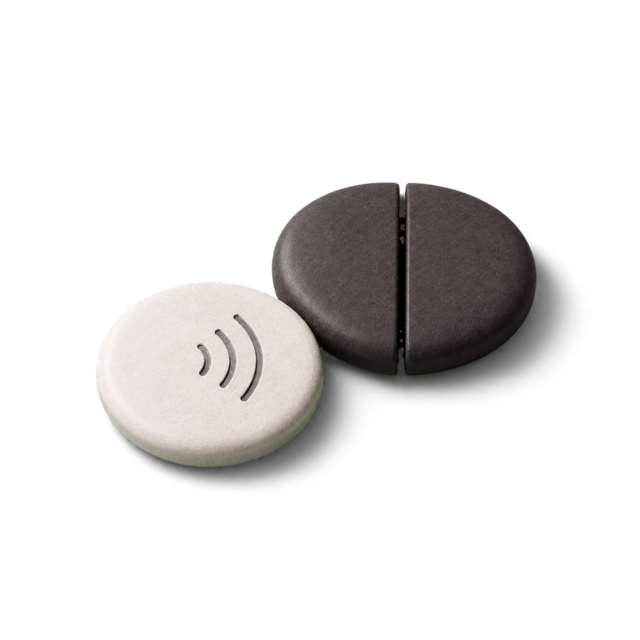
Pair any NFC tag
A sticker, a fob, a tag on your keys. Clank remembers its hardware id and nothing else.
Clank blocks the apps you choose until you tap your tag again. No willpower required, just a walk to wherever the tag lives.
Free and open source · iPhone · Works with any blank NFC tag
How it works
Clank uses Apple's Screen Time to block apps on the device itself. Nothing leaves your phone, and Apple never tells Clank which apps you picked.
A sticker, a fob, a tag on your keys. Clank remembers its hardware id and nothing else.
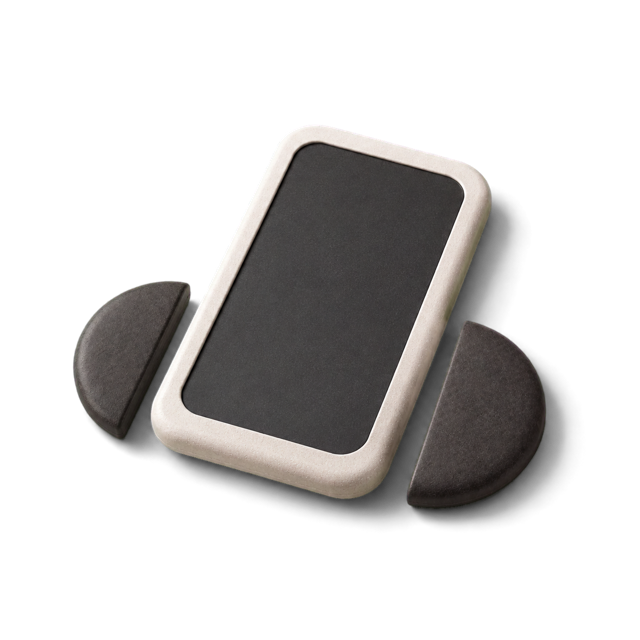
Choose the apps and websites that eat your evenings. Group them into modes for work, sleep, or being present.
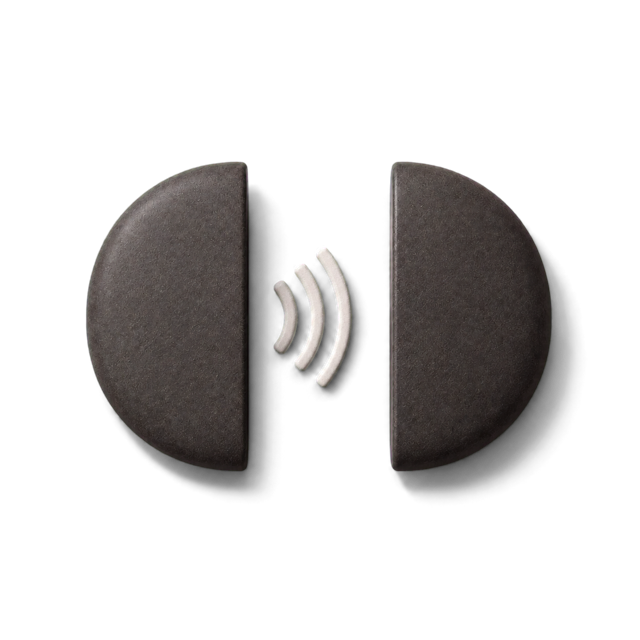
Hold the tag to your phone and the apps go quiet. Only the same tag brings them back.
Features
Everything you need to make a distraction cost a walk across the room, and nothing you do not.
Evenings, mornings, the work block. A schedule starts a mode on its own, and a tag tap still ends it early.
iOS refuses to delete or install any app until you unclank. That includes Clank itself, so the exit is your tag, not the App Store.
Keep a few sets of apps ready. Switch the active mode before you tap.
Store a short link on the tag once. A tap on the locked phone opens Clank and scans right away.
A quiet banner shows how long you have been clanked, plus a Home Screen widget.
Siri, Shortcuts, and the Action button can start a clank, with an optional timer.
Lost the tag? You get five emergency unclanks. Use them wisely.
No account, no server, no analytics. Blocking runs in iOS. Apple hides your picks behind tokens even from Clank.
Screenshots
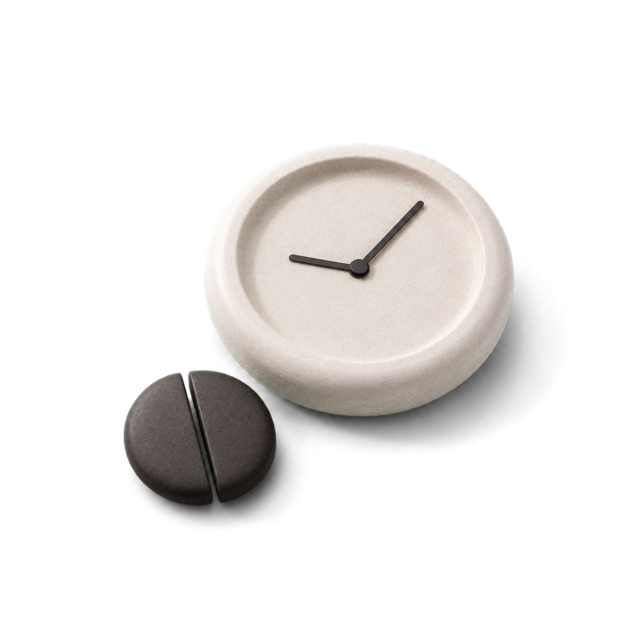
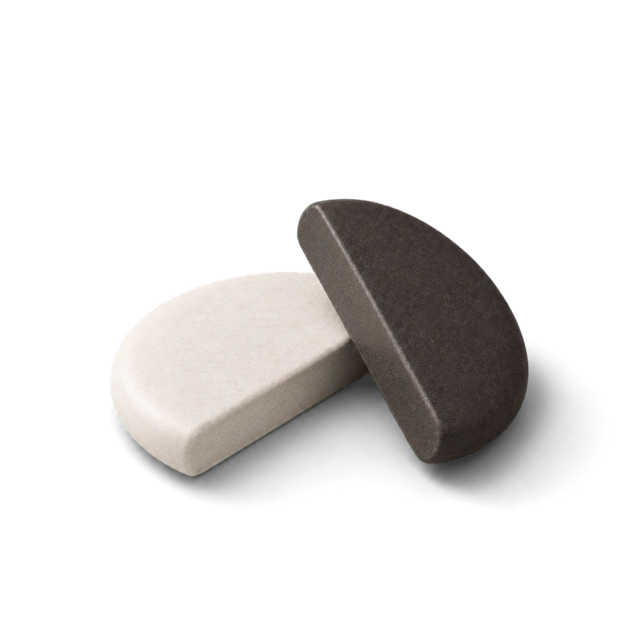
Light while you are free, dark while you are clanked. The whole app follows the stone.


The phone is not the problem. The distance to it is.
Read the code, build it yourself, or help make it better. Inspired by broke, in the spirit of the original Brick.
Star on GitHub